Contributions
See your activity across all your projects on a GitHub-style contribution heatmap.
Using Contributions
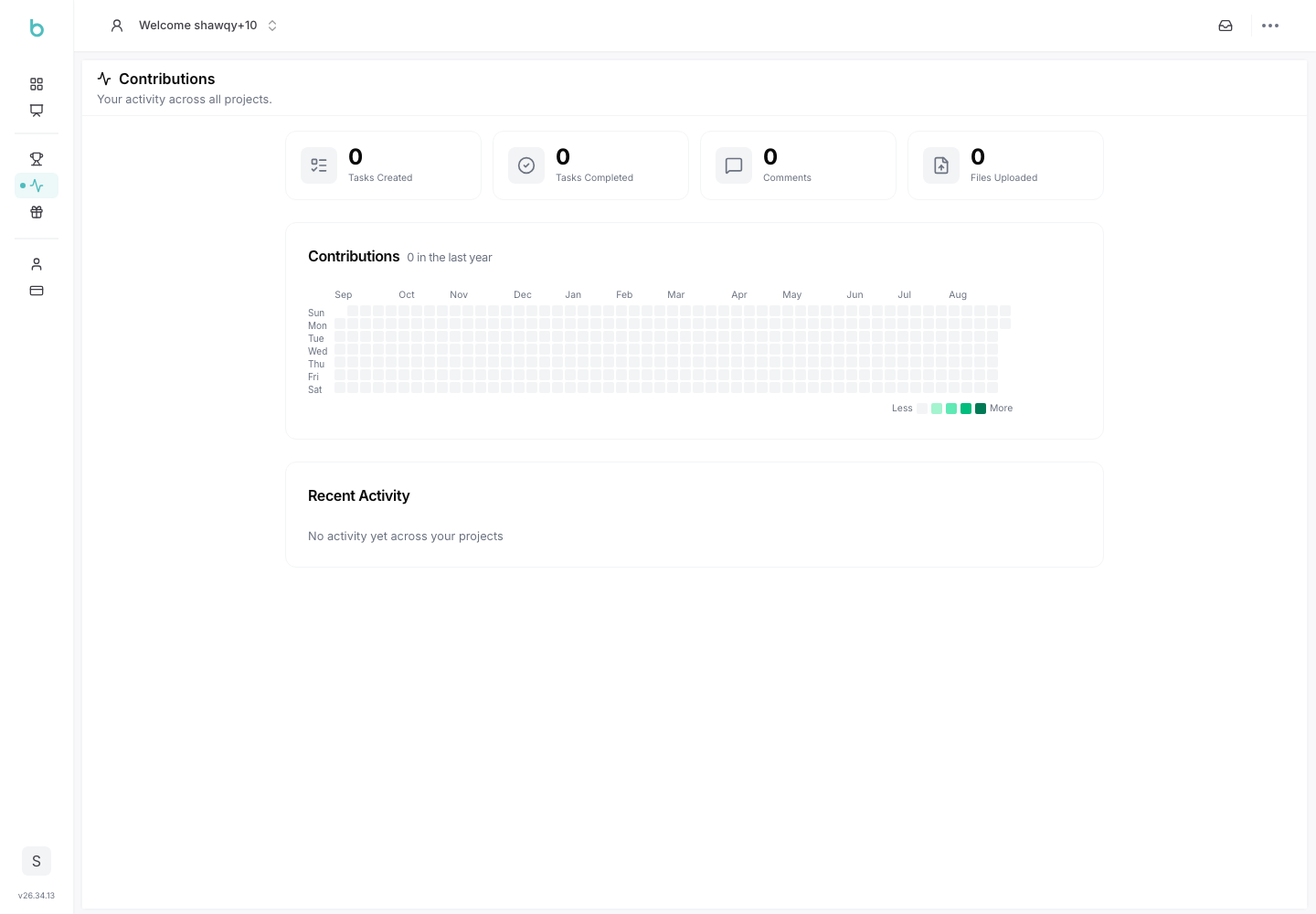
The Contributions page gives you a personal, cross-project view of your activity: tasks, comments, and file uploads, visualized as a calendar heatmap.
1. Accessing Contributions
1. Navigate to Contributions:
- From your personal account area, under Personal, click Contributions.
2. Stats Overview
- Four stat tiles summarize your activity across all projects: Tasks Created, Tasks Completed, Comments, and Files Uploaded.
3. The Contribution Heatmap
- A GitHub-style calendar heatmap covers the last 365 days, with darker cells indicating more activity on a given day. Hover a day to see its exact count.
- Note: the heatmap counts tasks created, comments, and file uploads for that day — task completions are reflected in the stat tile above but not in the daily heatmap coloring.
4. By Project
- A breakdown table shows your activity per project, sorted by total contributions, with each row linking to your member profile within that project. Only projects you've actually contributed to are listed.
5. Recent Activity
- A timeline of your most recent individual actions (task created/completed, comment, file upload) across all projects, each with a relative timestamp and a link back to the relevant project.