Testimonials
Share a text or video testimonial about your experience with Bimefy.
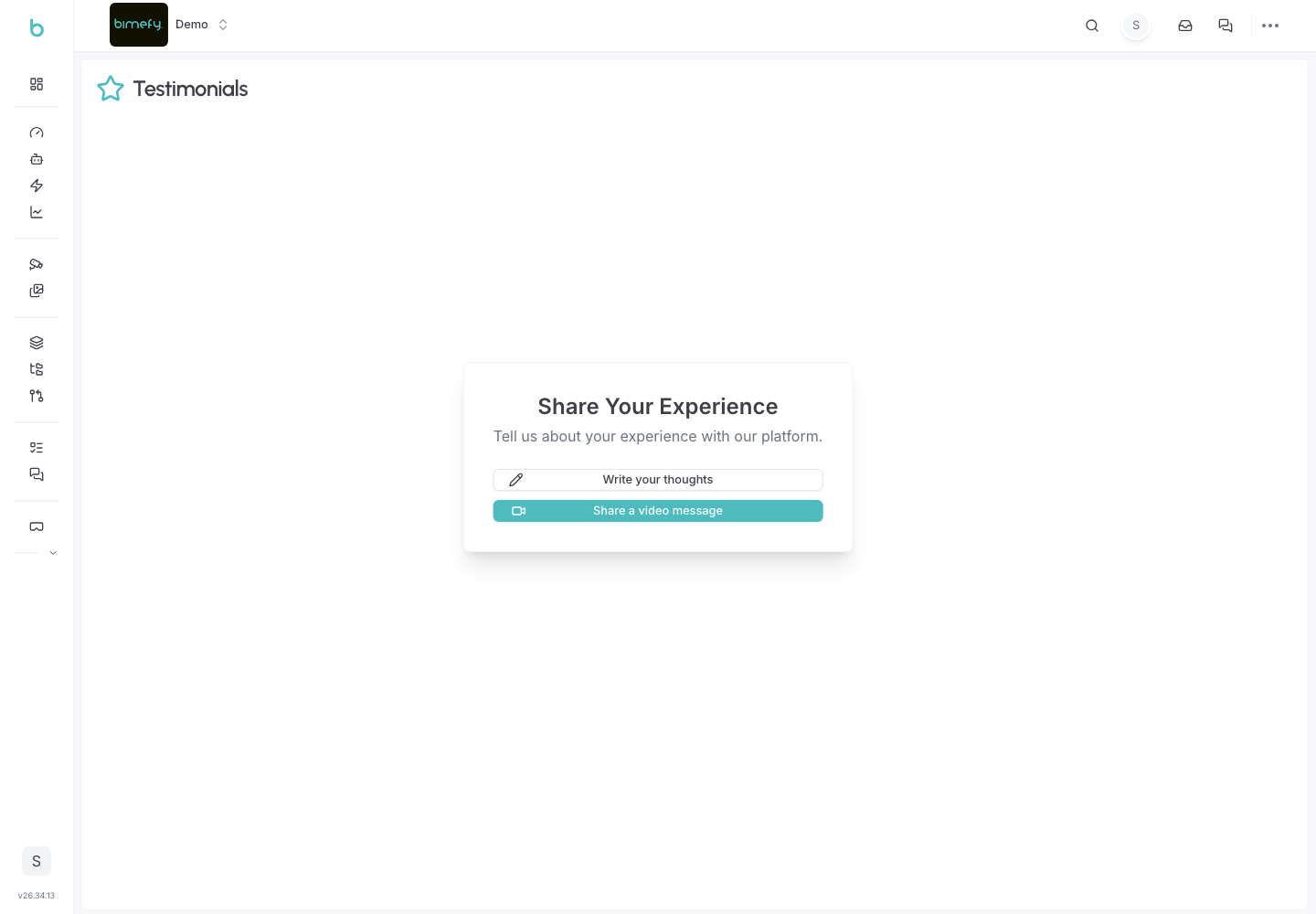
Using Testimonials
The Testimonials page lets you share your experience with Bimefy, as a written review or a short video, directly from the platform.
1. Accessing Testimonials
1. Navigate to Testimonials:
- From your personal account area or from a project, click Testimonials.
2. Writing a Text Review
- Click Write a review.
- Enter your name and a star rating (1–5).
- Share your experience in a few sentences (10–5000 characters).
- Submit the form.
3. Recording a Video Review
- Click Record a video review.
- Enter your name and a star rating (1–5).
- Record your video directly in the browser, then submit.
4. After Submitting
- You'll see a thank-you confirmation once your testimonial is submitted.
- Submitted testimonials are reviewed by the Bimefy team and may be used (for example, on the marketing site) rather than being published automatically — so there's no separate step needed on your end.