Referrals
Refer a company to Bimefy and earn a free Insta360 X4 Air camera.
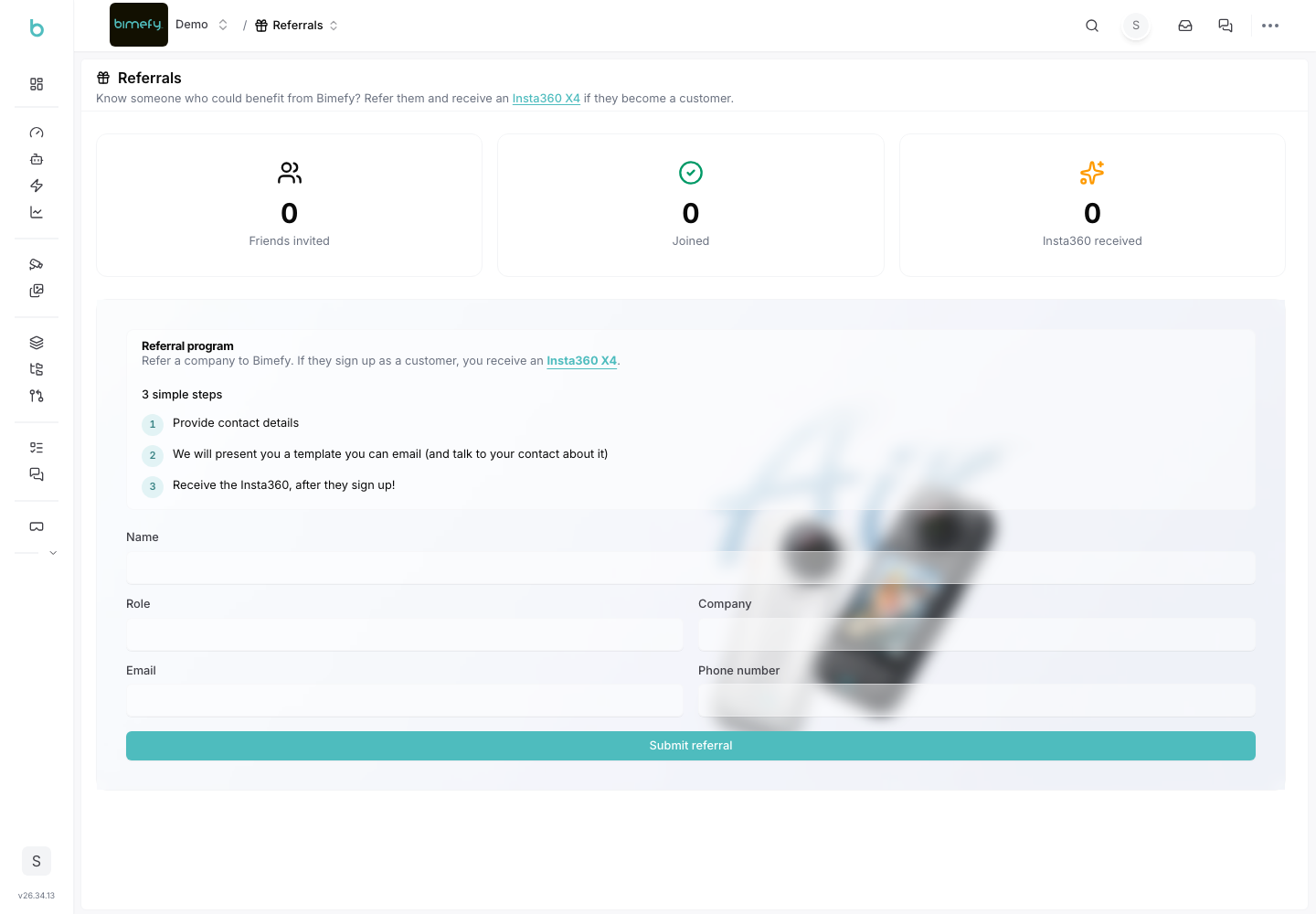
Using Referrals
The Referrals program rewards you for introducing other companies to Bimefy. It's not a referral link or promo code — it's a short form, followed by a personal outreach email you send yourself.
1. Accessing Referrals
1. Navigate to Referrals:
- From your personal account area or from a project, click Referrals.
2. How It Works
- Submit Contact Details: enter the referred person's name, role, company, email, and phone number.
- Get a Template Email: after submitting, Bimefy generates a ready-to-send outreach email (with your contact details filled in) that you can copy or open directly in your mail client. It's automatically CC'd so the Bimefy team can follow up.
- Receive Your Reward: once the company you referred signs up as a customer, you receive an Insta360 X4 Air camera.
3. Tracking Your Referrals
- Friends Invited: the total number of people you've referred — click it to see the full list with contact details and status.
- Joined: how many of your referrals have signed up.
- Insta360 Received: how many rewards you've been granted.
- Each referral moves through a status pipeline as it progresses: submitted → email prepared → contacted → signed up → reward granted.