Billing & Subscriptions
Manage your personal or team subscription, seats, and payment details.
Using Billing & Subscriptions
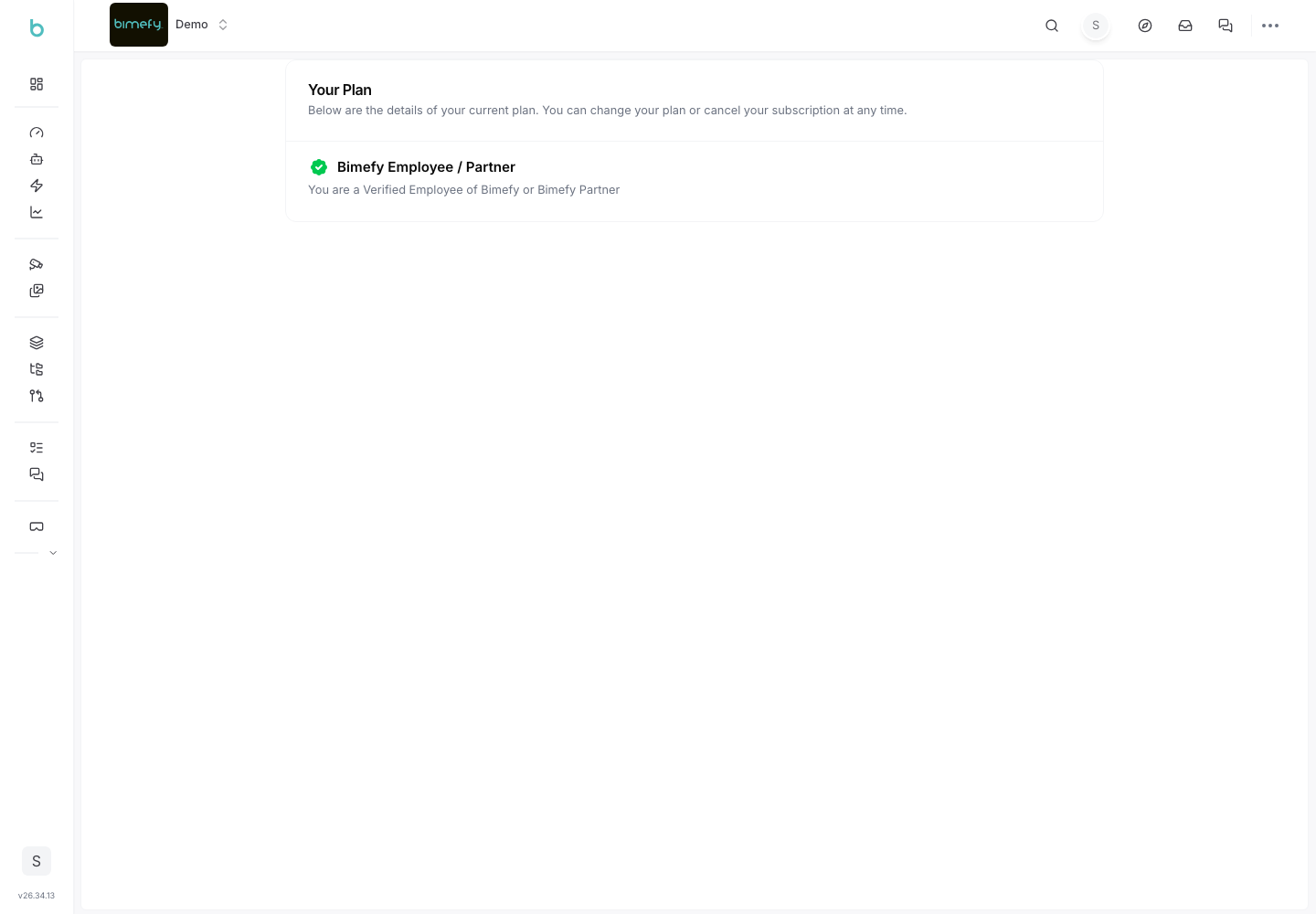
Bimefy manages both personal account billing and team/project billing, depending on how your workspace is set up. Where billing is enabled, you can view your plan, manage payment details, and (for team accounts) manage seats.
1. Accessing Billing
1. Team/Project Billing:
- In the left-side menu, go to Settings, then open the Billing tab. 2. Personal Account Billing:
- From your personal account area, go to Settings, then Billing.
2. Managing Your Subscription
- View your current plan and its status.
- Upgrade, downgrade, or cancel your subscription from the billing page.
- Update payment details and view past invoices.
3. Per-Seat Billing (Team Accounts)
- On plans with per-seat billing, the number of billed seats adjusts automatically as members are added to or removed from a team account.
4. Notes
- Billing is only visible if it's enabled for your workspace — if you don't see a Billing tab, your workspace may not have billing enabled, or you may not have permission to manage it.
- For billing questions that aren't covered here, open a ticket via Support.